
How to Add the Nexopta Affiliate Portal to Your Phone’s Home Screen
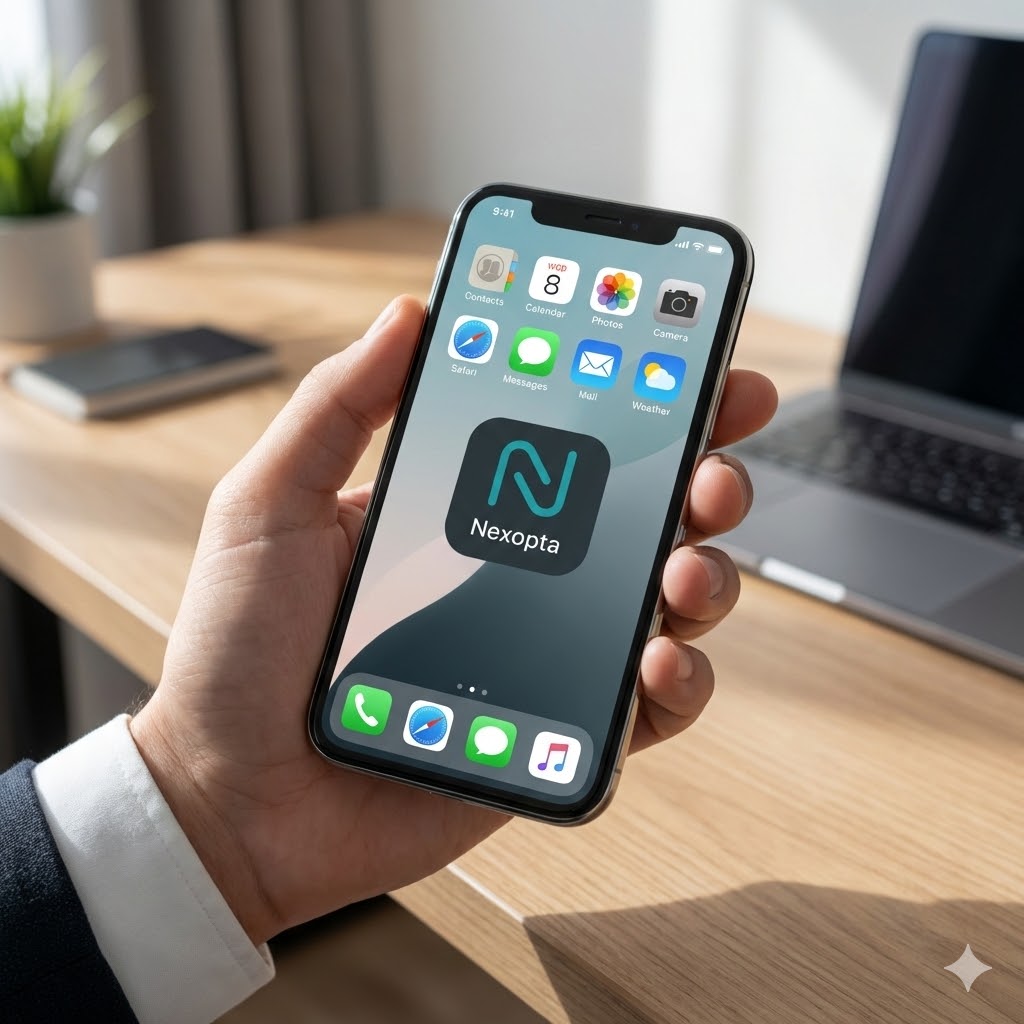
As a Nexopta affiliate, most opportunities don’t happen at your desk. They happen during conversations, meetings, coffee chats, and quick follow-ups.
Adding the Nexopta Affiliate Portal to your phone’s home screen lets you:
- Log leads immediately from your mobile
- Manage referrals, commissions, and activity on the go
- Access the portal with one tap, like a real app
This guide shows you how to add the portal to your home screen in 1–2 minutes, on both iPhone and Android.
Portal URL (Use This Exact Link)
How to Add the Nexopta Affiliate Portal on iPhone (Apple / iOS)
Important: This must be done using Safari on Apple devices.
Step-by-Step Instructions
- Open Safari on your iPhone or iPad
- Go to:
https://affiliateportal3-491993824074.northamerica-northeast2.run.app/ - Tap the Share icon (square with an arrow pointing up)
- Scroll down and tap Add to Home Screen
- Name it Nexopta Affiliate Portal
- Tap Add
The portal icon will now appear on your home screen.
iPhone Notes
- This will not work in Chrome or other browsers on iOS
- If you’re using Chrome, copy the link and open it in Safari
- Works on both iPhone and iPad
How to Add the Nexopta Affiliate Portal on Android Devices
These steps work for most Android phones, including Samsung and Google Pixel.
Step-by-Step Instructions
- Open Chrome (or your default browser)
- Go to:
https://affiliateportal3-491993824074.northamerica-northeast2.run.app/ - Tap the three-dot menu in the top-right corner
- Select Add to Home screen or Install app
- Confirm when prompted
The portal icon will be added to your home screen.
Android Notes
- Menu wording may vary slightly by device
- Chrome is recommended for best results
- No app store download required
Using Other Devices (Tablets & Other Browsers)
If you’re using a tablet or another mobile browser:
- Look for Add to Home Screen in the browser menu
- If the option isn’t available, switch to:
- Safari on Apple devices
- Chrome on Android devices
What You Can Do Once It’s Added
With the Nexopta Affiliate Portal on your home screen, you can:
- Log new leads immediately after conversations
- Manage your entire affiliate activity from your phone
- Track referrals, commissions, and performance in one place
- Access current promotions, leaderboards, and sales materials
- Get support from the Nexopta inside sales team
- Chat with the affiliate community
- Talk to Felix, Nexopta’s AI assistant, for help with:
- Understanding the affiliate program
- Preparing for lead conversations
- Answering prospect questions
- Moving leads toward conversion
Everything is available in one place, so you can follow up faster and manage your affiliate business wherever you are.
Tips & Troubleshooting
If you run into issues:
- Refresh the page if it doesn’t load
- Make sure you’re logged into your affiliate account
- Remove and re-add the icon if needed
- Bookmark the page as a backup option
Final Tip
If you’re actively referring Nexopta, adding the Affiliate Portal to your home screen is one of the easiest ways to stay organized and never miss a lead.
Set it up once, and manage everything from your phone—where most referrals actually happen.
